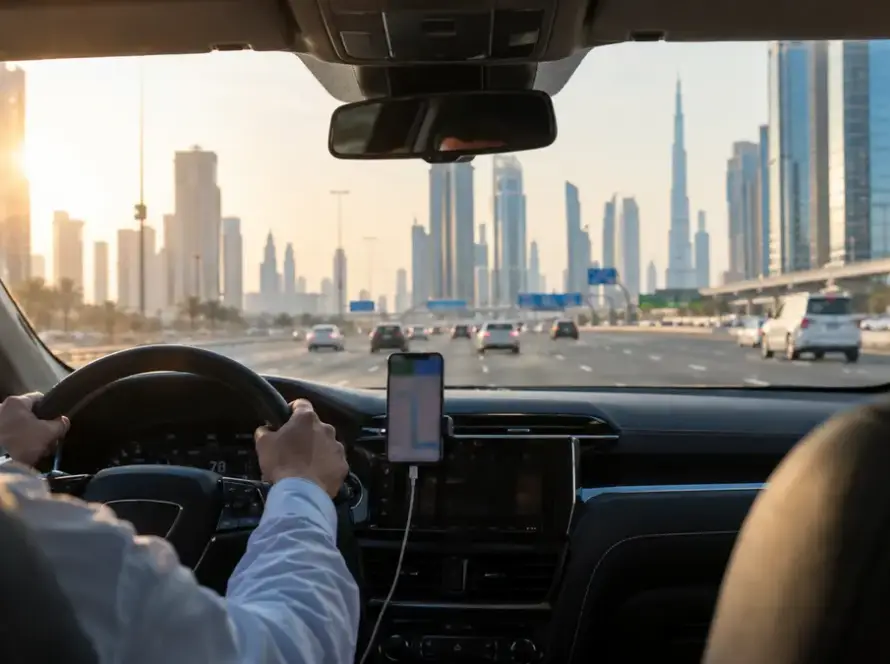


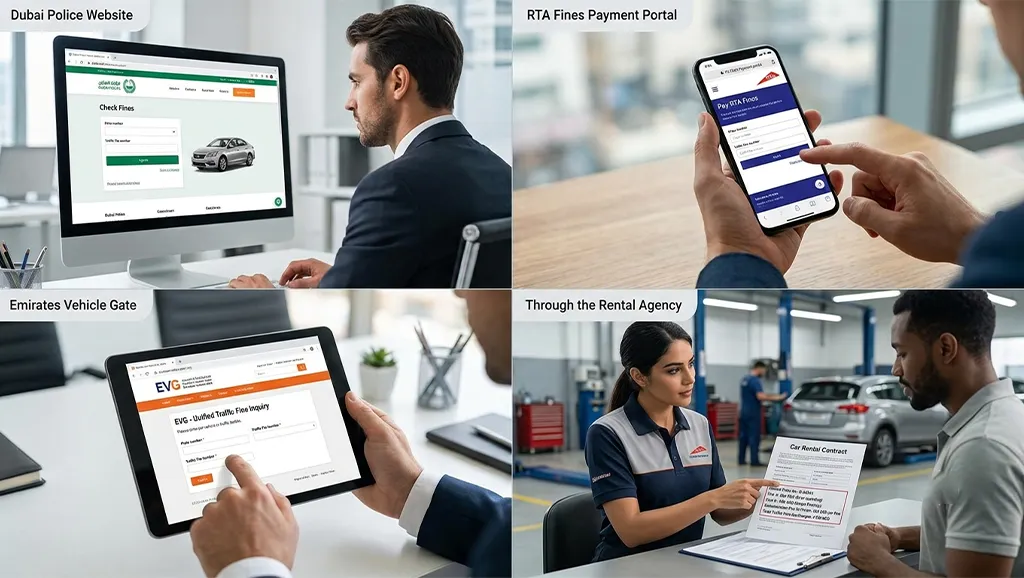
There are four authorized ways to check rental car Dubai travel violations: the Dubai Police website or app, the RTA Fines Payment Portal, the Emirates Vehicle Gate (EVG) federal portal, or directly through your rental agency. Use the plate number, traffic file number, or UAE Pass login to look up outstanding fines.
Quick Answer
Checking traffic fines for rental cars in Dubai is simple. You can use the Dubai Police website or app, the RTA Fines Portal, the Emirates Vehicle Gate (EVG), or ask your rental company to check on your behalf. For the most accurate results, search by the vehicle’s plate number before returning the car and again 7–10 days later to catch any delayed violations. This simple habit helps you avoid unexpected traffic fines for rental cars in Dubai and extra administrative fees.
Need to Know Quick Answer Best way to check fines Dubai Police website or app Other official options RTA Fines Portal, EVG, or your rental company Information required Plate number, traffic file number, or UAE Pass Best time to check Before returning the car and again 7–10 days later Can tourists check fines? ✅ Yes, using the plate number search Can you pay online? ✅ Yes, through Dubai Police, RTA, or EVG Extra rental company charges? Usually AED 50–100 admin fee per violation Best tip Always keep a photo of the rental car’s plate number for quick searches.
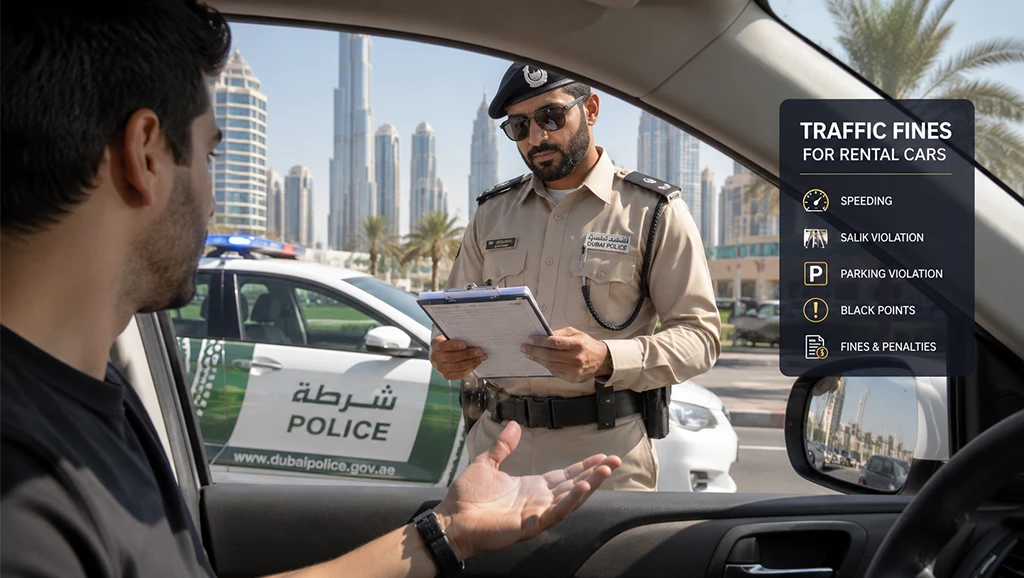
Table of Contents
Why Checking Rental Car Fines in Dubai Matters
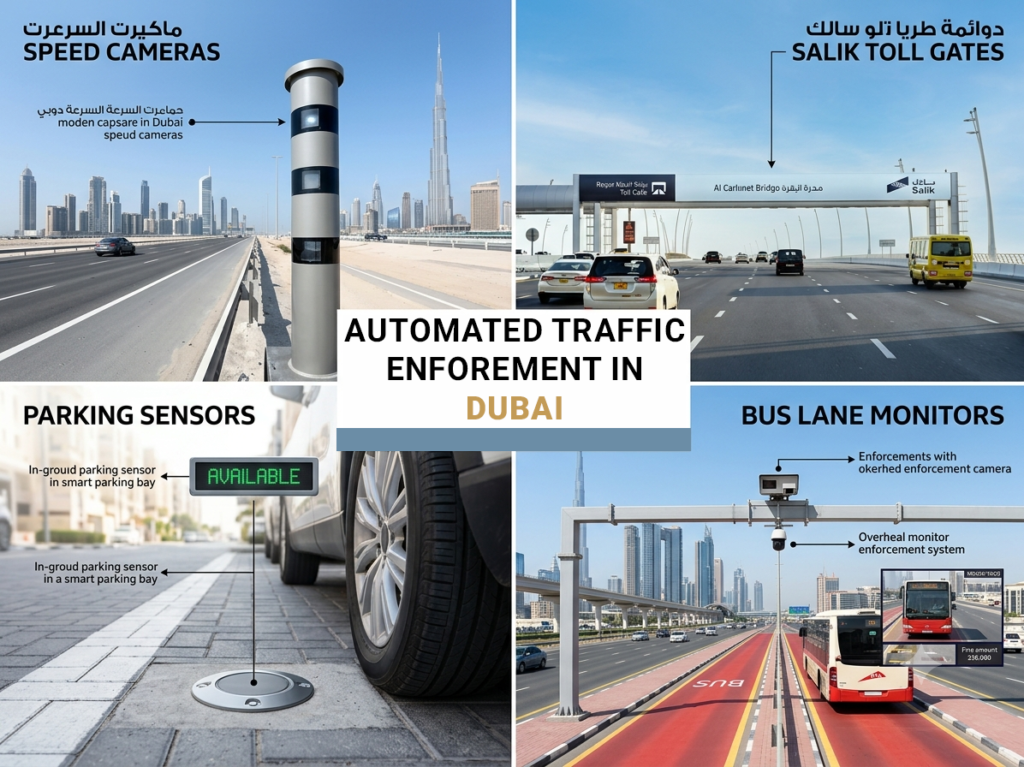
Dubai has one of the most automated traffic enforcement networks in the world. Speed cameras, Salik toll gates, parking sensors, and bus lane monitors run around the clock, and fines reach the registered owner (your rental company) within hours to two weeks. If you don’t settle violations during your rental window, the company pays them on your behalf, then charges your card for the fine plus an admin fee that often exceeds the original penalty.
For tourists, the stakes run higher. Unpaid fines can affect your ability to rent from the same network on a return trip, and in serious cases involving black points or court summons, can complicate future UAE visa applications. Running a Dubai traffic fine check before you fly out, and again a week after returning the car, is the cheapest insurance against unexpected traffic fines for rental cars in Dubai. Our complete UAE traffic fines guide covers the broader context.
How to Check Traffic Fines for a Rental Car in Dubai
There are four reliable ways to check traffic fines for rental cars in Dubai. Each works for tourists and residents, and each one pulls from the same central RTA and Dubai Police database.
Method 1: Dubai Police Website & App
The Dubai Police traffic fines inquiry is the most direct channel because the police issue most moving traffic violations in the emirate. Open dubaipolice.gov.ae, navigate to Services → Fine Payment, then choose between three search options: plate number, traffic file number, or driving license number. You can also sign in with UAE Pass if you have an account.
For tourists who don’t have a UAE Pass profile, the plate number route is the fastest. Enter the plate code (Arabic or English), the plate number, and the source emirate — Dubai — then submit. The system returns all fines issued against that plate, including date, location, violation type, and amount. The Dubai Police app on iOS and Android mirrors the website but adds push notifications when a new fine is logged against a saved vehicle — the easiest way to check traffic fines for rental car Dubai trips while you’re still on the road.
Method 2: RTA Fines Payment Portal
The RTA fines Dubai portal at traffic.rta.ae handles fines issued by the Roads & Transport Authority — primarily parking fines, Salik toll shortfalls (what is Salik), and vehicle violations. The interface runs a four-step flow: search, review, confirm, pay. RTA Dubai also covers Salik arrears that haven’t yet been invoiced to the rental company.
You can search by plate number, traffic file number, driving license, or fine number. Sign in with UAE Pass to see everything linked to your identity in one view, which is useful if you crossed a toll gate on the day you returned the car. The RTA fines Dubai portal accepts Visa and Mastercard and confirms payment in seconds.
The RTA portal only shows RTA-issued fines, not Dubai Police radar or camera violations. Cross-reference with Dubai Police to run a complete Dubai traffic fines check.
Method 3: Emirates Vehicle Gate (EVG)
The Emirates Vehicle Gate at evg.ae is the Ministry of Interior’s federal portal. It covers all seven emirates, making it the right tool if your rental trip took you beyond Dubai — for example, a drive to Abu Dhabi, Sharjah, or Ras Al Khaimah.
To check fines, log in with UAE Pass or your MOI account, select “Pay Traffic Fines,” and search by plate number, traffic file number, or license number. EVG pulls from the federal traffic system, so violations issued by Abu Dhabi Police, Sharjah Police, or any other emirate’s authority will show up here even if they don’t appear in Dubai’s portals.
EVG is the best single source of truth for traffic fines on rental car UAE trips that cross emirate borders. If you only check one portal after an inter-emirate drive, make it this one — it also surfaces the traffic file number that other portals ask for.
Method 4: Through Your Rental Company
Most Dubai rental agreements include a clause authorizing the company to receive fine notifications on your behalf. The trade-off is convenience for transparency: you’ll find out about violations only when the company tells you, and you’ll usually pay an admin fee on top.
That said, the rental company is often the first to know. Dubai Police and RTA Dubai push fine notifications to the registered owner before the violation appears on public portals. Ask the counter agent to run a final fine check at return, and again 7–10 days later by email, to catch traffic violations you’d otherwise miss. Some companies now offer a self-service portal in their mobile app to look up Dubai rental car fines online — use it as a secondary check alongside Dubai Police or EVG.

Step-by-Step: Check Fines by Plate Number in Dubai
If you only use one method to check Dubai traffic fines by plate number, make it this one. Plate number searches work for both tourists and residents, require no login, and provide the most up-to-date information. This is the simplest Dubai traffic fines check you can perform.
- Snap a photo of your rental plate before you drive off — you’ll need the plate code (the letter on the right), the number, and the source emirate (“Dubai” for Dubai-registered cars).
- Open the Dubai Police website or app, then go to Services, then Fines Inquiry & Payment.
- Select “Plate Number” as the search type.
- Enter the plate code, plate number, and source emirate. Use the English letter equivalent if you can’t read Arabic.
- Submit. The portal returns all current fines linked to that plate.
- Note the fine number, date, and amount for any violations you believe you caused during your rental period.
Cross-check anything that looks wrong with the rental company’s own records. If a fine was issued before you picked up the car, it isn’t yours to pay.
How to Pay Traffic Fines on a Rental Car in Dubai
There are two ways to pay traffic fines: pay yourself directly through Dubai Police, RTA, or EVG, or let the rental company handle it and bill your card. Paying yourself keeps the cost down to the fine amount which is the right move if you want to avoid the rental company’s admin fee. All three portals accept Visa and Mastercard, and Dubai Police also takes Apple Pay. Some platforms offer early-payment discounts during specific periods, so check the total at checkout.
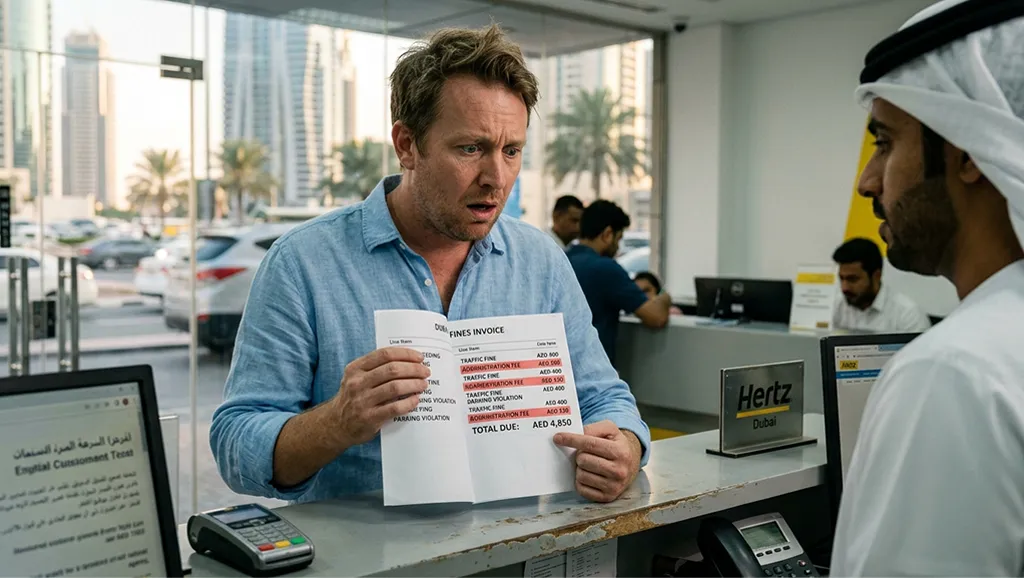
Letting the rental company pay is simpler but more expensive. Once the company receives a fine in your name, it settles it with the authorities, then charges your card for the fine plus an administrative fee of AED 50 to AED 100 per violation.
Choosing this path to pay traffic fines for Dubai rental car means accepting that fee in exchange for not having to handle each violation yourself..
traffic fines for rental cars in dubai💡 Want to save money on those fines?
Dubai periodically runs discount programs that can cut your fine by 25%–50%. Learn when they happen, who qualifies, and how to claim them.
Traffic Fine Discount in Dubai →Rental Company Administrative Fees & Security Deposit
This is where most rental customers get caught off guard. The fine itself is rarely the final amount you pay. Administrative fees are the rental company’s charge for processing each violation on your behalf such as identifying the driver, sharing details with police, and updating internal records.
Industry practice in Dubai puts this fee at AED 50 to AED 100 per violation, though some premium agencies charge more. The schedule must be disclosed in the rental agreement’s fines clause. traffic fines for rental cars in Dubai are common enough that this clause matters.
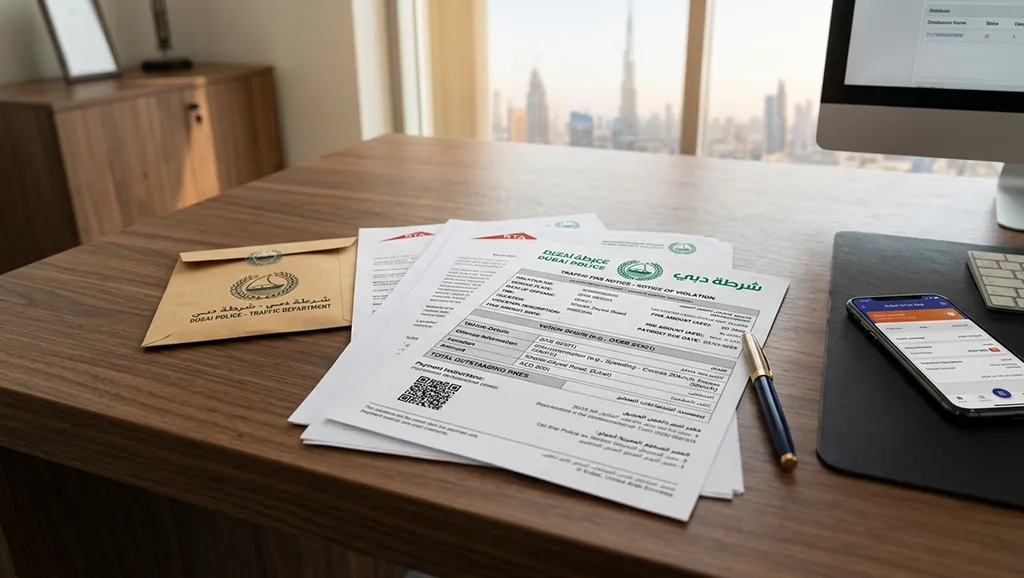
The security deposit is a separate concern. Most Dubai rental companies block AED 1,000 to AED 5,000 on your credit card at pickup as protection against fines, Salik charges, fuel top-ups, and minor damage. Refunds take 15 to 30 days after return, because the company waits to confirm no late-arriving fines hit the plate. If a fine arrives in that window, the company deducts fine plus admin fee from your deposit and refunds the balance. if fines exceed the deposit, the remainder goes to your card.
Tip: ask the company for a written fine reconciliation before they release the deposit. You have the right to see each fine number and the corresponding deduction, and to dispute any charge you can’t match to a violation on Dubai Police traffic fines records or EVG.
What Happens If You Don’t Pay Rental Car Fines?
Unpaid traffic fines on rental car UAE trips don’t disappear. They sit against the plate, and the rental company is legally obligated to settle them and then recover the cost from you. If you’ve left the country, the company charges the card on file. If the card is declined or expired, the matter escalates. the company can refer the debt to a collection agency, and in serious cases — particularly those that carry black points — police can request a travel ban that blocks you from entering the UAE on your next visit.
Black points are the bigger concern. Crossing 24 black points within a year triggers automatic license suspension. Reckless driving, racing, and driving under the influence each carry 24 points in a single violation. For a full breakdown of the point system, see our explainer on the black points system in UAE.
Tips to Avoid Traffic Fines on a Dubai Rental Car
Prevention is cheaper than the admin fee. A few habits keep your rental record clean:
- Stick to the posted limit on Sheikh Zayed Road and major highways — speed cameras are dense and the threshold is tight.
- Watch for Salik toll gates in Dubai on overhead signs; the system bills the registered owner automatically. Peak crossings cost AED 6, off-peak AED 4, and crossings between 1 AM and 6 AM are free.
- Never park in disabled, loading, or reserved bays — parking fines are issued by sensor and camera, not by a warden you can argue with.
- Keep your Emirates ID or driving license handy so you can run a quick fine check mid-rental.
- Take a timestamped photo of the dashboard mileage, fuel gauge, and car exterior at pickup and return.
FAQ about traffic fines for rental cars
Use the Dubai Police website or app, the RTA Fines Payment Portal, EVG, or your rental company’s portal. The fastest route is a plate number search on Dubai Police.
Yes. Tourists can use the plate number search on Dubai Police and RTA without a UAE Pass account. EVG and the rental company’s own portal also work for visitors.
Most camera-based violations appear within 24 to 48 hours. Mobile radar fines can take 2 to 3 working days. some edge cases take up to 14 days.
Usually yes. Rental agreements authorize the company to receive notifications, pay the fine, and bill your card for the fine plus an admin fee of AED 50 to AED 100 per violation.
On Dubai Police, choose Fines Inquiry, then choose Plate Number, then enter the plate code, plate number, and source emirate. The portal returns all fines currently linked to that plate.
The rental company settles it on your behalf and charges your card or deducts from your deposit. If the card fails, the matter can be referred to collections, and serious cases can trigger a travel ban on future UAE entry.
Conclusion: Drive Smart
Knowing how to check traffic fines for rental car Dubai trips comes down to four official channels — Dubai Police, RTA, EVG, and your rental company — and one habit: running a plate number search before and after your trip. Get into that routine and traffic fines for rental cars in Dubai won’t catch you off guard. Ready to drive? Rent a car in Dubai with a partner that handles Salik, fines, and insurance transparently from day one.